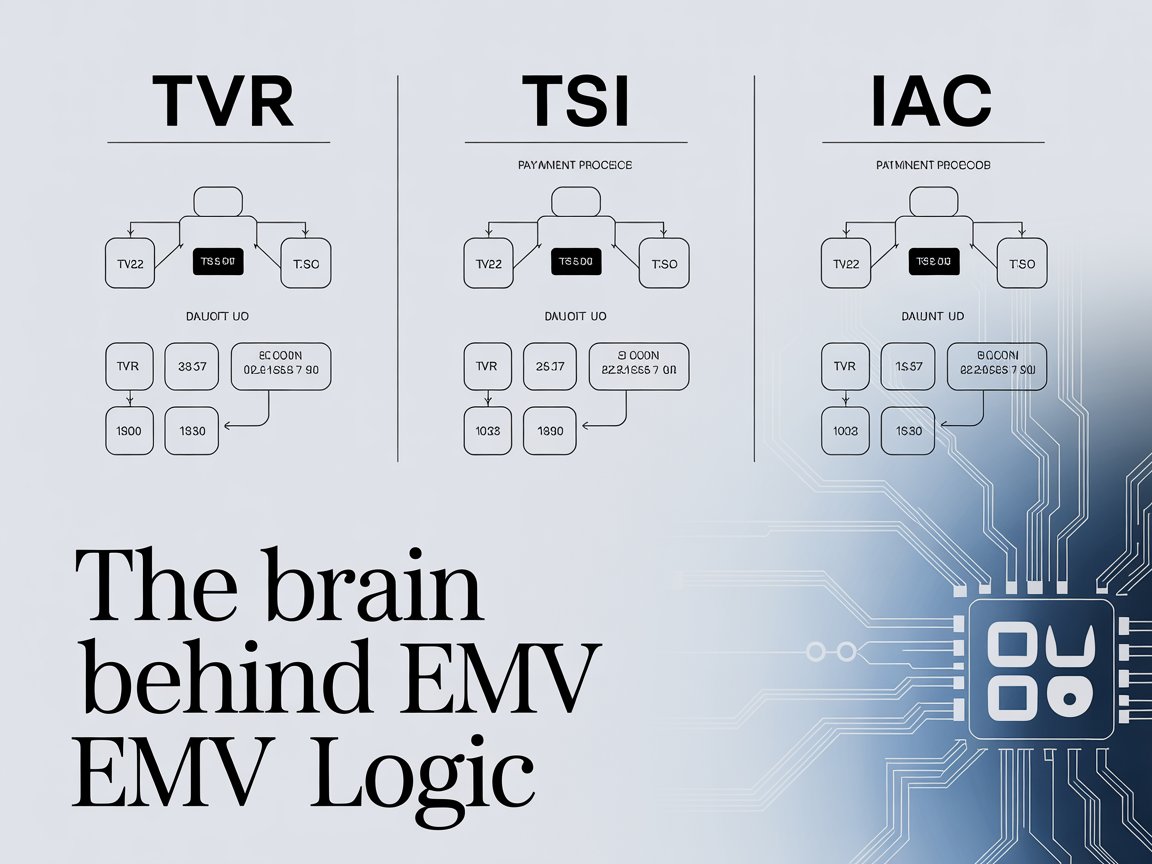

When I first started working on EMV transaction processing, I remember feeling completely lost looking at those cryptic acronyms such as TVR, TSI and IAC. They looked like random three-letter codes, but every time something went wrong in an EMV transaction, those were the first places I had to check.
If you’ve ever debugged an EMV issue and stared at the transaction log wondering why did the terminal decline this card, you’ve probably encountered these three. Over time, I realized that these aren’t just codes they are literally the brains that help the terminal and card make decisions during the transaction.
In this post, I’ll walk you through what they are, how they work, and how they fit together. I’ll also share a few lessons and small gotchas from my own experience implementing EMV logic in payment terminals and SoftPOS applications.
Setting the Stage: What Happens Before TVR, TSI, and IAC Come In
Before we talk about TVR (Terminal Verification Results), TSI (Transaction Status Information), and IAC (Issuer Action Codes), it’s good to recall what happens during a typical EMV transaction.
After the terminal selects the right application (AID) and exchanges the GPO (Get Processing Options) with the card, it retrieves the AFL (Application File Locator) and reads records containing all sorts of data from cardholder name to cryptographic capabilities.
Then comes the Risk Management and Terminal Action Analysis phase. This is where things like floor limits, velocity checks, offline data authentication, and other risk-related evaluations happen.
That’s also the moment when TVR, TSI, and IAC start to play a critical role. They basically record what happened, what the card supports, and what the issuer wants.
Terminal Verification Results (TVR): The Terminal’s Memory of What Went Wrong
Think of the TVR as the terminal’s notebook it records everything that went wrong or didn’t match expectations during the transaction. It’s a 5-byte (40-bit) structure where each bit represents a specific condition that may have occurred. When something happens like an expired card, offline PIN failed, or SDA failed the terminal sets a bit in the TVR.
The format looks like this (according to EMV Book 3, Annex C):
| Byte | Meaning | Example Conditions |
|---|---|---|
| 1 | Offline data authentication | SDA failed, DDA failed |
| 2 | Application expiration / usage | Card expired, not yet effective |
| 3 | Cardholder verification | Offline PIN failed, CVM not performed |
| 4 | Terminal risk management | Exceeded floor limit, random transaction selected for online |
| 5 | Issuer and script processing | Script failed, issuer authentication failed |
Example:
Let’s say your terminal performs risk checks and finds the following:
- The card is expired
- Offline data authentication (SDA) passed
- Offline PIN verification failed
Then, the terminal would set:
- Byte 2, Bit 8 = “Card has expired”
- Byte 3, Bit 8 = “Offline PIN verification failed”
So, your TVR might look like:
00 80 80 00 00
In plain language, that means: The card expired, and offline PIN verification failed.
This becomes an important input for the next step, Terminal Action Analysis, where the terminal decides whether to go online, approve, or decline offline.
How I Usually Debug TVR in Real Projects
When I was working on our SoftPOS transaction flow, we built a small function that converts the 5-byte TVR into a human-readable text form.
Here’s a simplified pseudo-code snippet (C# style) that prints the bits:
string ParseTVR(byte[] tvr)
{
    var descriptions = new List<string>();
    if ((tvr[1] & 0x80) != 0) descriptions.Add("Card expired");
    if ((tvr[2] & 0x80) != 0) descriptions.Add("Offline PIN failed");
    if ((tvr[3] & 0x10) != 0) descriptions.Add("Exceeded floor limit");
    // ...and so on
    return string.Join(", ", descriptions);
}This made it much easier to check logs, especially when you’re running through multiple test cases from certification scripts.
Transaction Status Information (TSI): A Summary of What the Terminal Actually Did
If the TVR is a “what went wrong” record, then the TSI is a “what was performed” record. TSI tells you what checks were actually performed during the transaction not whether they passed or failed, but simply whether they were done. It’s only 2 bytes (16 bits), but very useful when analyzing a transaction log.
| Byte | Meaning | Example |
|---|---|---|
| 1 | Indicates which EMV steps were performed | Offline data authentication, cardholder verification |
| 2 | More details on terminal risk management and issuer scripts | Online processing, issuer authentication |
So, for example, if the terminal performed offline data authentication and cardholder verification, your TSI could look like:
0xE0 0x00
Which means:
- Offline data authentication was performed.
- Cardholder verification was performed
- Risk management was performed
When combined with the TVR, you can tell both what was done and what went wrong.
Why It Matters in Certification Testing
If you’ve gone through EMV Level 2 certification, you know that every test case ends with an analysis of both TSI and TVR.
Sometimes the acquirer test script will say something like: TSI byte 1 bit 8 shall be set to 1 indicating Offline Data Authentication was performed.
If it’s not set, you fail that test case even if everything else worked perfectly.
That’s why, in my experience, keeping the TSI flags accurate is as important as your EMV cryptographic logic. I’ve seen cases where the transaction failed certification only because the TSI bit wasn’t set correctly, not because the process itself was wrong.
Issuer Action Codes (IAC): The Issuer’s Preferences
While TVR and TSI are determined by the terminal’s behavior during the transaction, the IAC (Issuer Action Codes) represent what the issuer prefers the terminal to do in certain situations.
There are three types of IACs stored in the card:
- IAC-Default (Tag 9F0D): What the issuer wants to do normally
- IAC-Denial (Tag 9F0E): Conditions under which the issuer wants an offline decline
- IAC-Online (Tag 9F0F): Conditions under which the issuer wants the terminal to go online
These are also 5-byte bitmaps same structure as the TVR. Each bit corresponds to the same condition in the TVR.
So the logic looks like this:
- If (TVR & IAC-Denial) is true > offline decline
- Else if (TVR & IAC-Online) is true > go online
- Else > offline approve (subject to terminal and floor limit)
Here’s a simple illustration:
bool ShouldGoOnline(byte[] tvr, byte[] iacOnline)
{
    for (int i = 0; i < 5; i++)
    {
        if ((tvr[i] & iacOnline[i]) != 0)
            return true;
    }
    return false;
}This is essentially how the Terminal Action Analysis works.
Example Scenario
Let’s take a real-world case I encountered:
- The card has IAC-Denial set for “Expired Card”
- The TVR indicates that “Card Expired” bit is set
- Terminal compares TVR & IAC-Denial > bit matches > Offline decline
That means even if your terminal has an online capability, it will not bother sending the transaction online because the issuer has already instructed that expired cards must be declined offline.
How They All Work Together: A Real-Life Transaction Example
Here’s how all three come together during a transaction:
- Card is inserted > Terminal selects AID
- Terminal reads AIP and AFL > Learns what the card supports
- Offline Data Authentication > Terminal verifies card authenticity
- Risk Management > Checks floor limit, velocity, etc.
- Cardholder Verification > Performs offline PIN
- Build TVR > Marks any failed checks
- Set TSI > Marks what checks were performed
- Compare TVR with IACs > Decide whether to go online, approve, or decline
Common Misunderstandings and Debugging Tips
Through multiple EMV certifications, I’ve hit a few repeating issues related to TVR/TSI/IAC handling. Here are some lessons that might save you time:
- TVR Bits Must Be Cleared Before Each Transaction. If you don’t reset the TVR properly, you’ll carry over the previous transaction’s flags and fail validation. Always start with all zeros before building it.
- Not Every Failure Means Setting a Bit. Some developers assume every validation error should set a TVR bit. That’s not always true only conditions defined in EMV Book 3 Annex C should. Adding custom bits can cause certification failures.
- TSI Bits Should Reflect Actual Processing. Don’t set a bit just because you think it should be there. The rule is simple: [1] If the step was executed, set it. [2] That means even if offline data authentication failed, you still set the bit indicating “performed”
- IAC Must Come from the Card. Never hardcode IACs in your terminal. Always read them from the card records (usually from the AIP/AFL). Certification scripts will verify this.
- Always Log Them. In my project, we included both TVR and TSI in the final log upload to the acquirer. It made post-transaction debugging so much easier, especially during VISA and Mastercard certification.
Final Thoughts
After several EMV implementations, I’ve come to think of TVR, TSI, and IAC as a little trio that governs EMV logic. They might look like boring bitmaps at first, but they represent the heart of how EMV risk management and decision making works.
Whenever a transaction fails mysteriously, maybe the terminal went online when it shouldn’t, or declined offline even though everything looked fine it almost always traces back to how these three were built or compared.
I’ve spent many nights chasing those tiny bits during certification testing, but once you understand the logic behind them, debugging becomes almost enjoyable. It’s like reading the transaction’s mind.
References and Further Reading
If you want to dive deeper, here are some official and practical resources that helped me understand these better:
- EMV Book 3: Application Specification – Annex C (TVR, TSI, IAC definitions)
- Visa Developer Guides – Risk management and EMV processing logic
- Mastercard Terminal Integration Guide (TIG) – TVR/TSI test cases
- NXP AN10922: EMV Level 2 Kernel Implementation Guidelines
Closing Note
If you’re working on your own EMV terminal or SoftPOS app, take time to print out your TVR, TSI, and IAC in every log. Trust me, when something goes wrong, they’ll be your best friends in figuring out why.
And the best part? Once you finally see a clean transaction where everything aligns, TVR all zeros, TSI with proper flags, IAC comparisons perfect, it feels like magic.